How it works
One claim, from check-in to payment.
Here is a single visit, followed step by step from the moment the patient arrives until the claim is paid.
Eight steps
Biscuit's visit.
- 01 · Arrival
The patient arrives, and the practice sees the insured flag.
Biscuit checks in. The front desk sees that the owner has pet insurance before anyone starts talking about cost.
- 02 · Estimate
An estimate before treatment.
The team shows the owner a Faunium Estimate: what the insurer is likely to pay and what the owner is likely to owe. It is labeled as an estimate, because the insurer makes the final call.
- 03 · Treatment
Treatment happens as usual.
The doctor treats the patient and writes the notes in the practice's own software. Nothing about the visit changes.
- 04 · Checkout
Checkout and consent.
The owner signs e-consent at the counter, or scans the Faunium Pass QR code and signs on their phone. One click files the claim.
- 05 · Claim built
The claim is built and checked.
Faunium reads the invoice and the SOAP notes and maps each line item to one standard vocabulary. Then it checks that nothing the insurer needs is missing.
- 06 · Processed
Submitted and processed for the insurer.
Faunium Process delivers the claim with the invoice verified, the policy terms applied and the Faunium Verified mark. The insurer's adjusters approve the proposed payout, or their rules do.
- 07 · Follow-up
Follow-ups answered automatically.
If the insurer asks for more records, the request is answered from the documents already on file. Nobody at the practice picks up the phone.
- 08 · Paid
Paid.
The payment goes out, and the practice and the owner both see the claim marked paid.
At the insurer
What the claims team sees.
The claim arrives in the insurer's queue with the records, invoice, prior history and policy terms already checked, and a proposed payout. An adjuster approves it, or the insurer's own rules do.
Every line item
Shorthand in, a clean claim out.
Every practice writes its invoices its own way. Faunium maps each line to onestandard vocabulary, so the insurer reads the claim the way the doctor meant it.

Surgery
TPLO L
Tibial plateau leveling, left
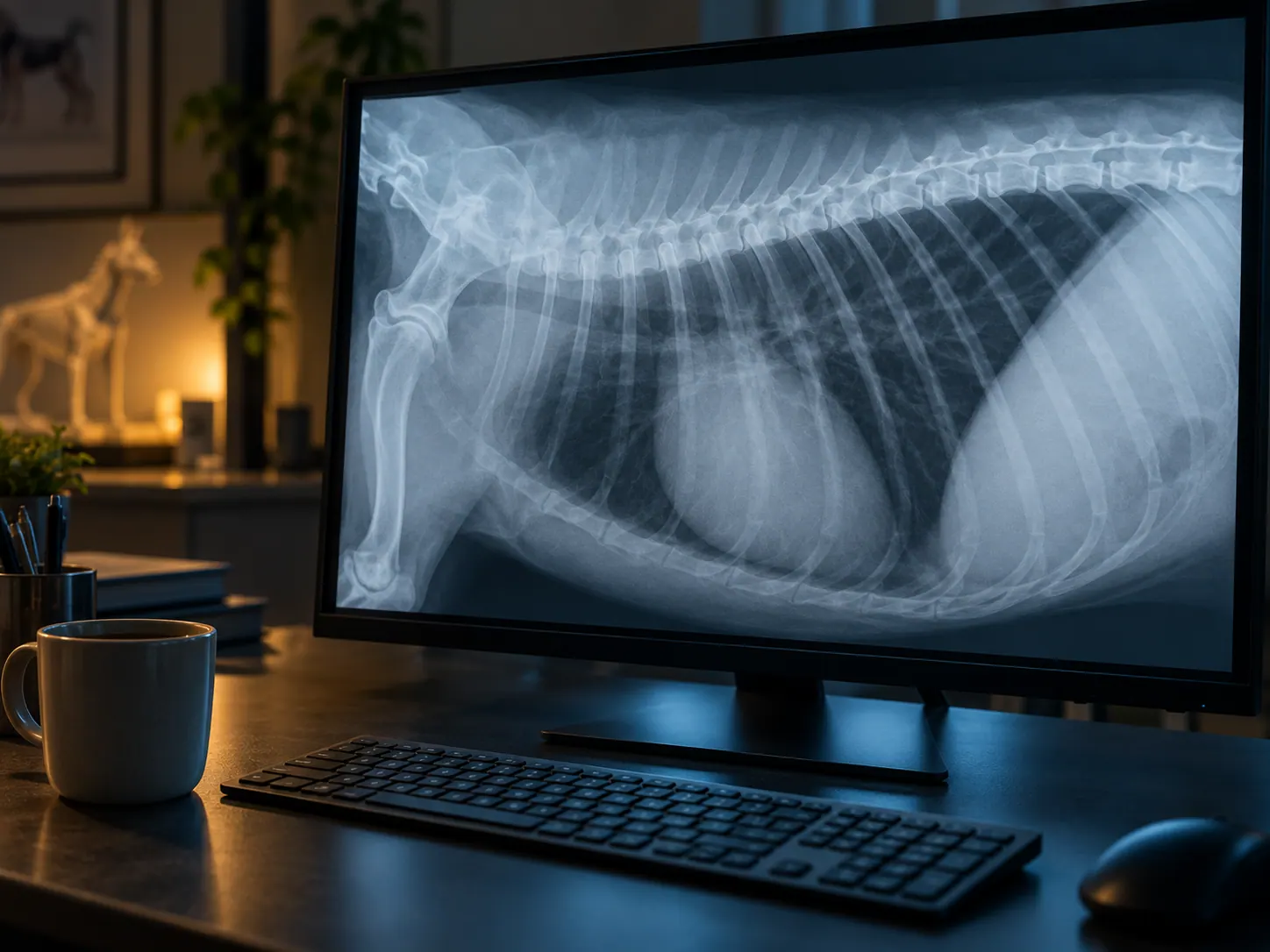
Imaging
Rads 2v
Radiographs, 2 views
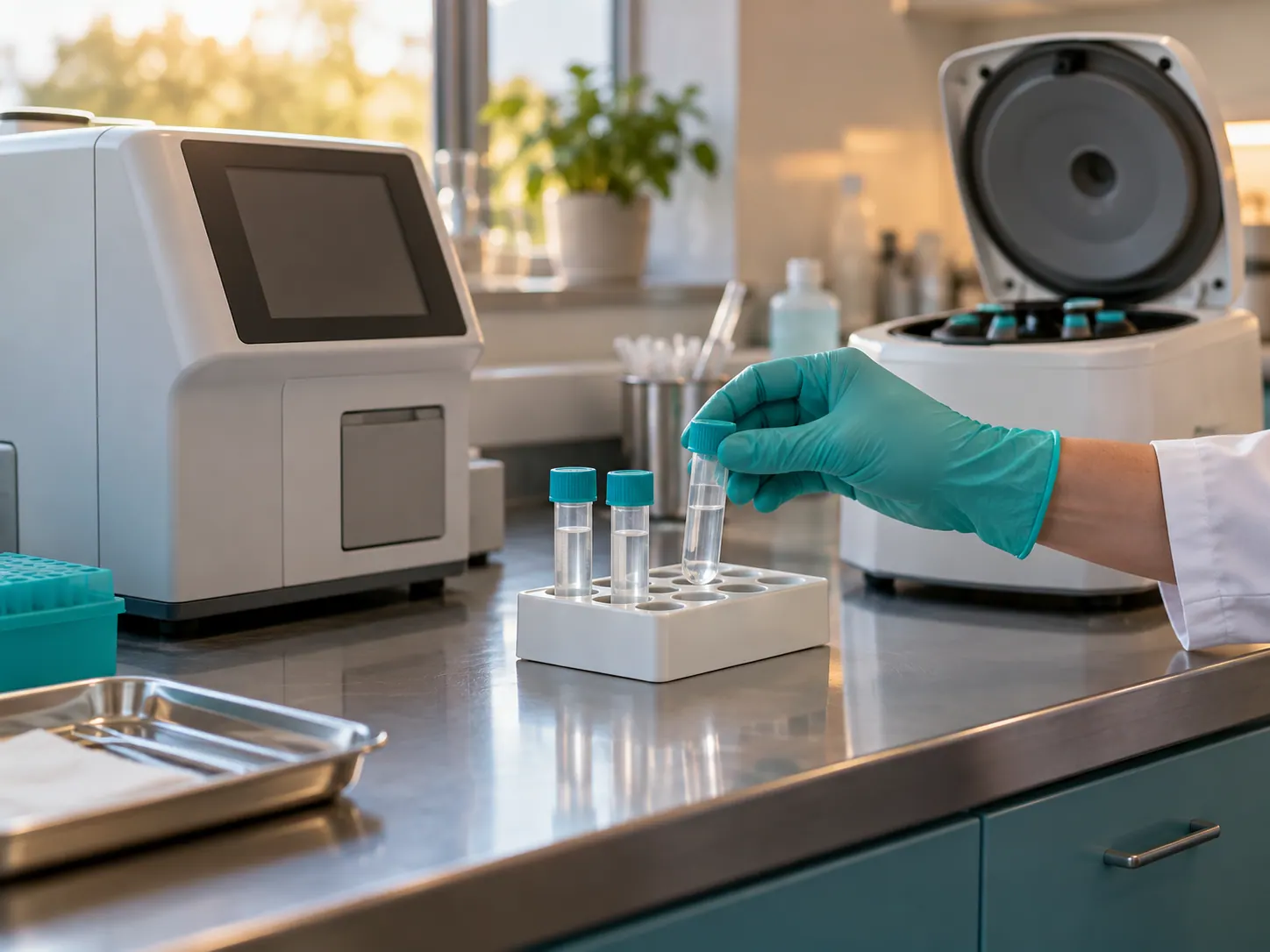
Lab
CBC/Chem17
Complete blood count, chemistry panel

Pharmacy
Carprofen 75mg #14
Carprofen 75 mg x 14
Illustrative line items. Sample data.
Ways in
Any practice software, on day one.
Documents and consent reach Faunium whichever way suits the practice. None of them needs an IT project.
Print to Faunium
A virtual printer. Staff print the invoice and records the way they print anything else.
Clinic email address
Each practice gets its own address, such as riverbend@in.faunium.com. Forward documents and insurer requests to it.
Faunium Pass
A QR code at the counter. The owner scans it, picks their insurer and signs consent on their own phone.
Faunium
The practice dashboard. Estimates, claims and status for every patient, from any browser.
Faunium Sidebar
An insurance panel that opens alongside web-based practice software.
Faunium Connect
Where your practice software connects directly, invoices and records sync on their own.
Get started
Start with your next claim.
Practices pay a monthly plan, and claims to insurers on the network are free. Insurers and software partners connect through the API.